

Platform, console
The console is the product for everyone who is not an engineer
Compliance officers configure journeys, work alert queues, and pull evidence themselves. Engineering is needed for the integration, not for every policy change.
The workspace
One console for journeys, queues and evidence
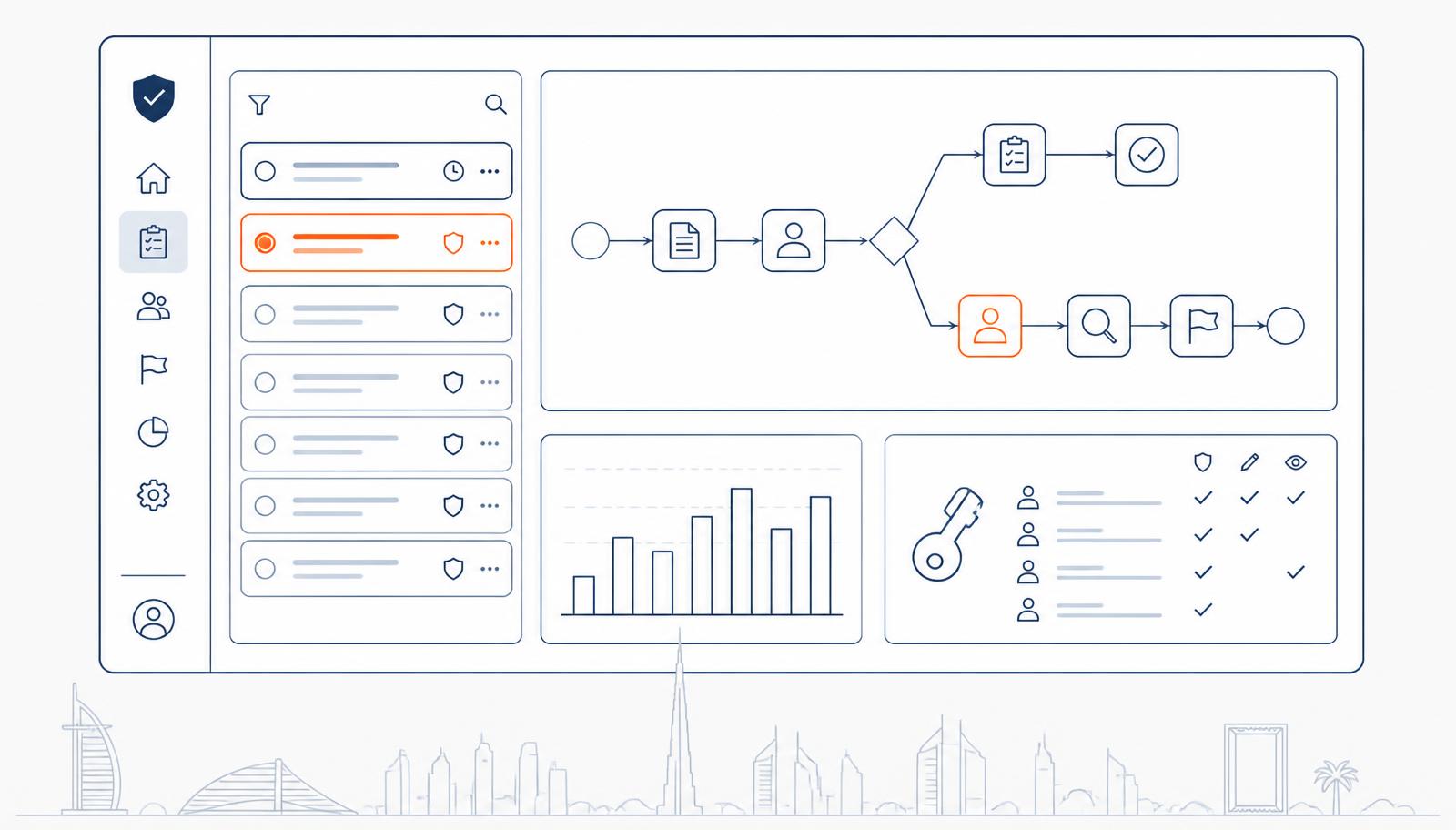
The same workspace your compliance lead uses day to day, journey versions on the left, live sessions and decisions on the right.
Verifications today
128
Sample data
Pending review
9
Sample data
Screening hits
4
Sample data
Avg. decision time
41s
Sample data
Review queue
Open cases- AM11:24
Al Mira Digital Assets FZE
ClearedKYB · UBO discovery
3 owners resolved · registry match
- SK11:09
Sara K.
Manual reviewKYC · Emirates ID + liveness
Document authentic · biometric match 0.94
- TX10:52
Wallet bc1q…7f4a
EscalatedKYT · inbound transfer
Exposure to high-risk counterparty
Illustrative interface, sample data
What is in it
Ten surfaces your team works in every day
Each one writes to the same audit trail, so a change made in the console is as evidenced as a call made through the API.
Journey builder
Compose a journey from modules as nodes: capture, checks, branches on risk score, and terminal decisions. Every change is versioned, and sessions record the version they ran under.
Verification links
Generate a single-use or reusable link for any journey and send it by email or messaging. No integration required, and the result lands in the same queue as API sessions.
Manual review queues
Alerts and referred sessions arrive with severity, owner, and SLA. Reviewers see every signal that fired, add notes and attachments, and escalate under four-eyes control.
Blocklists and allowlists
Maintain lists of rejected applicants, banned devices, and internal exceptions. Lists are enforced inside the journey, not bolted on afterwards, and every entry records who added it and why.
Analytics
Completion and drop-off by step, decision mix, referral rates, reviewer throughput, and rule hit rates over time, filterable by journey and period.
Roles and permissions
Separate operator, reviewer, approver, admin, and read-only auditor roles. Reviewers cannot approve their own escalations, and permissions are enforced server-side.
Audit logs
Every configuration change, data access, decision, and export is written to an append-only log with actor, timestamp, and before-and-after values.
Exports and reports
Export a single case as an evidence bundle, or a period as CSV and PDF for internal audit and regulator requests.
Retention controls
Set retention periods per data class, delete a session on request, and record the legal basis for anything held longer.
White-label theming
Your logo, colors, copy, and language defaults on the hosted flow, so the customer never sees a vendor handoff mid-onboarding.
Getting started
From preset to live traffic
A policy change should take an afternoon, not a release cycle.
- 1
Pick a preset journey
Start from a preset built around a UAE or GCC regulator expectation rather than an empty canvas.
- 2
Adjust modules and thresholds
Add or remove checks, set risk bands, and decide what refers to a human instead of auto-declining.
- 3
Assign reviewers and roles
Define who works which queue, who can approve, and who only reads. Auditor access is read-only by design.
- 4
Publish and test
Publish the version, run it through a verification link in sandbox, then point production traffic at it.
Seat counts, role granularity, and retention limits vary by plan, seats and retention are set in your plan.
See the console with your own journey loaded
We will configure a preset for your license type and let your compliance lead drive it.